CASE FILE / AGENTS IN WINDOWS
Making AI agents visible and interruptible in Windows.
- ROLE
- Lead designer, agent visibility & orchestration
- PLATFORM
- Windows 11: Shell, Taskbar, Ask Copilot
- TIMELINE
- 2025 – Present
- TEAM
- 3 engineering partner teams across Microsoft
- MY FOCUS
- OS-level agent surface, taskbar states, invocation system
- STATUS
- Shipping
Windows needed a place for agents to live
Microsoft is betting on agents as the next layer of computing. Not replacements for humans, but tools that handle routine work so people can focus on judgment and creation. That means Windows can't stay a place where you launch apps and manage files. It has to become the environment where agents actually run.
Right now agents scatter across the system. Some hide inside apps. Some show up in Copilot chats. Others surface as notifications. No one knows where their work actually lives. The OS level is where this fragmentation breaks. Windows needed to be the place where agents became visible, manageable, and trustworthy.
This wasn't about bolting Copilot onto Windows. It was about making agents a first-class construct in the operating system itself. Desktop apps took decades to become a natural part of how Windows feels. Agents deserve the same foundation.
I led the core design work alongside partner teams across Microsoft, mapping the entire lifecycle of how agents would operate in the OS, then building a system stable enough to ship but flexible enough to evolve.
People don’t fear automation. They fear not knowing.
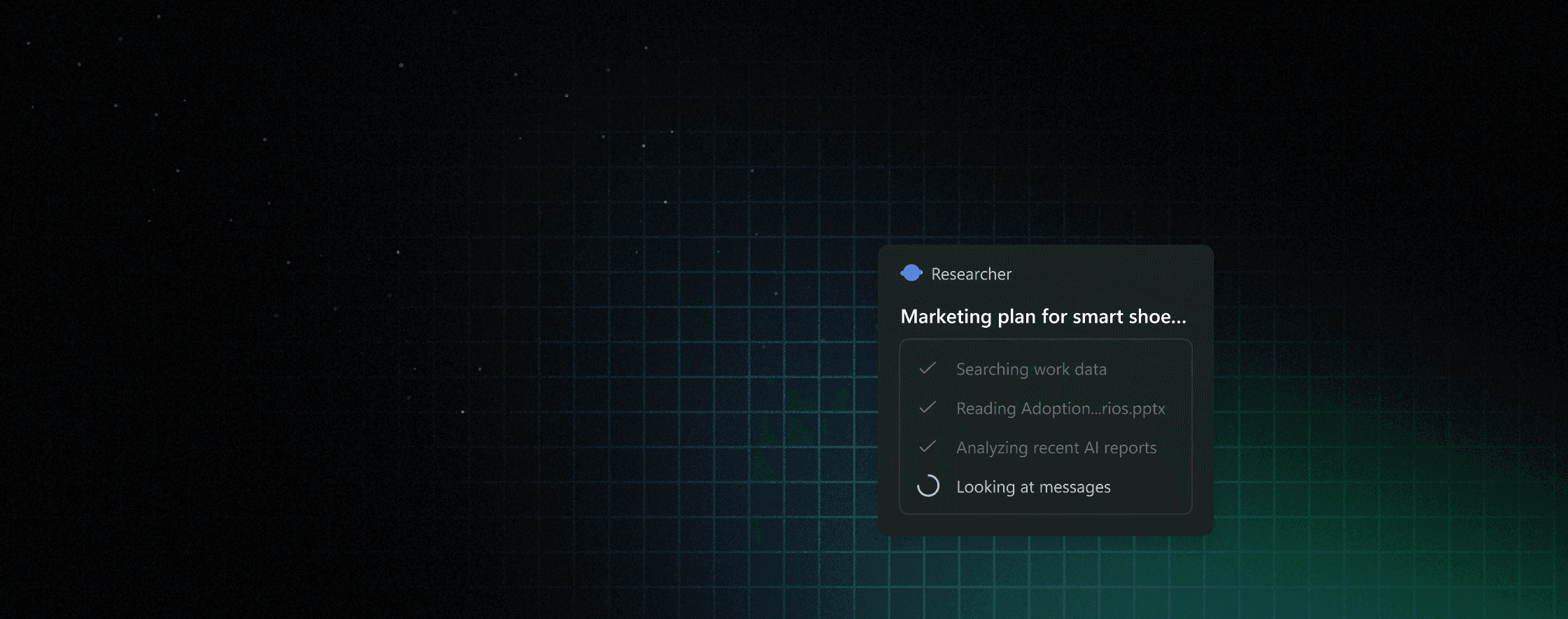
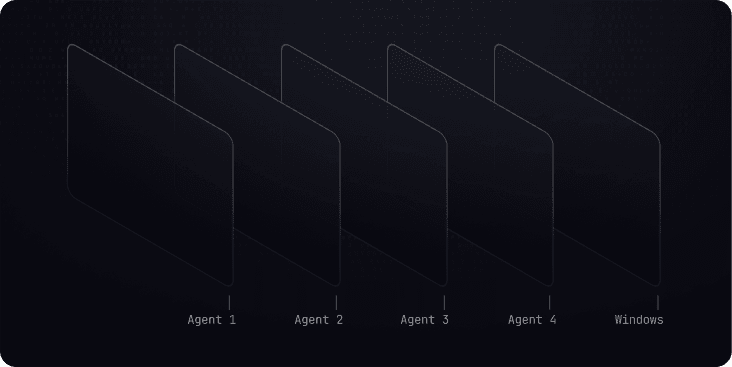
Agents scattered everywhere. Inside apps, buried in chat history, coming through notifications. Users had no idea where their work actually was or if anything was still running. Fragments. No coherent picture.
Early interviews hit a consistent note. Users liked having help. What they hated was surprises. They wanted to know what was happening, where it was happening, when it'd be done. They didn't distrust automation itself. They distrusted invisibility.
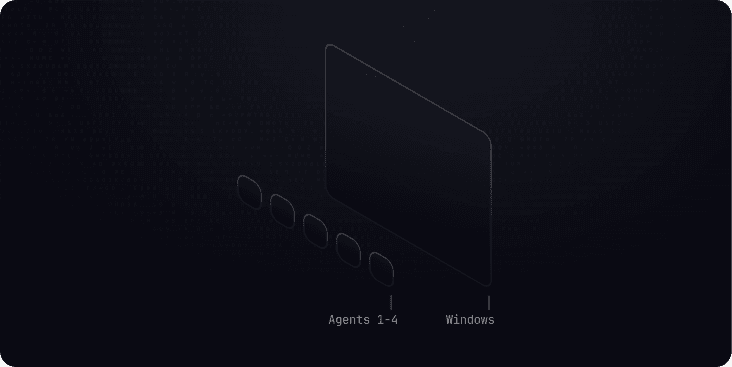
Process
Anchoring to what users already know
We tested three directions. Keep agents inside the apps that spawn them. Pin them independently like applications. Or create a dedicated agent workspace. Each had problems. Some felt bloated for something that barely existed yet. Others made agents too cryptic about where they actually were and how to get back to them.
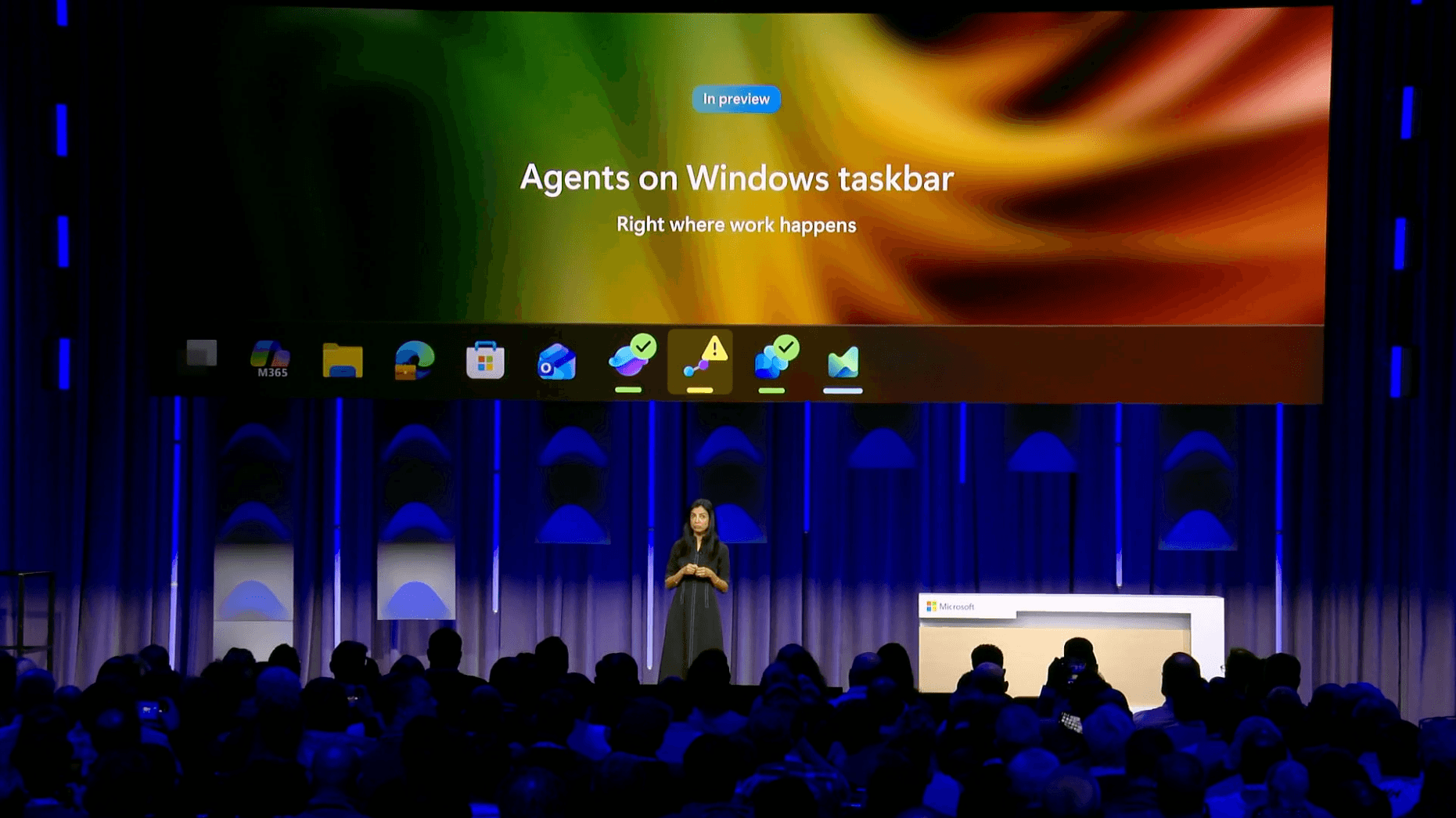
Agents are genuinely new, but they don't have to feel alien. We pushed for a progressive approach. Build on something users already use every day rather than forcing them to memorize a new system. We anchored agents to the taskbar. Same place apps live. Same behaviors. But with new states and signals that reflect how agents work.
FIG. 3.1EMPTY PIN 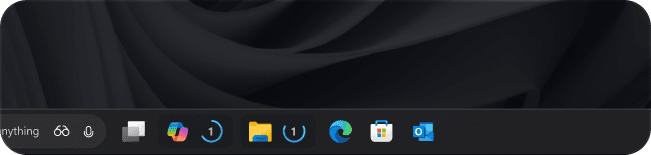
FIG. 3.2ACTIVE STATE 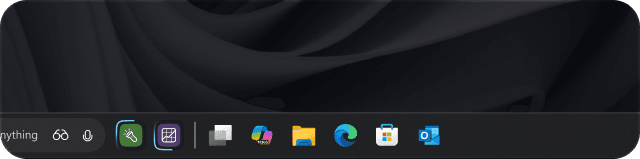
FIG. 3.3HOVER-CARD EXPANDED 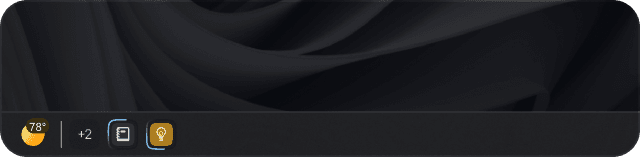
We had to tell teams ‘no’ to custom experiences so we could promise users a predictable system.
Windows ships once. Agents ship constantly.
Windows updates quarterly. You can't iterate freely like a web app. Every change goes to hundreds of millions of devices and has to stay working for years. So when you're building a pattern that agents will use, you're betting big. You can't just redesign it next sprint if you guessed wrong.
Meanwhile every product team at Microsoft is building agents and wants the same rich monitoring they get inside their apps. They pushed for detailed progress views, custom visualizations, team-specific features. But the OS can't be all of that. It has to be a consistent surface that works identically whether you're running a research agent or a calendar agent or something brand new.
So we built a tense thing. Flexible enough to support agents we haven't even imagined yet. Simple enough to stay stable across years.
Ask Copilot becomes the starting point
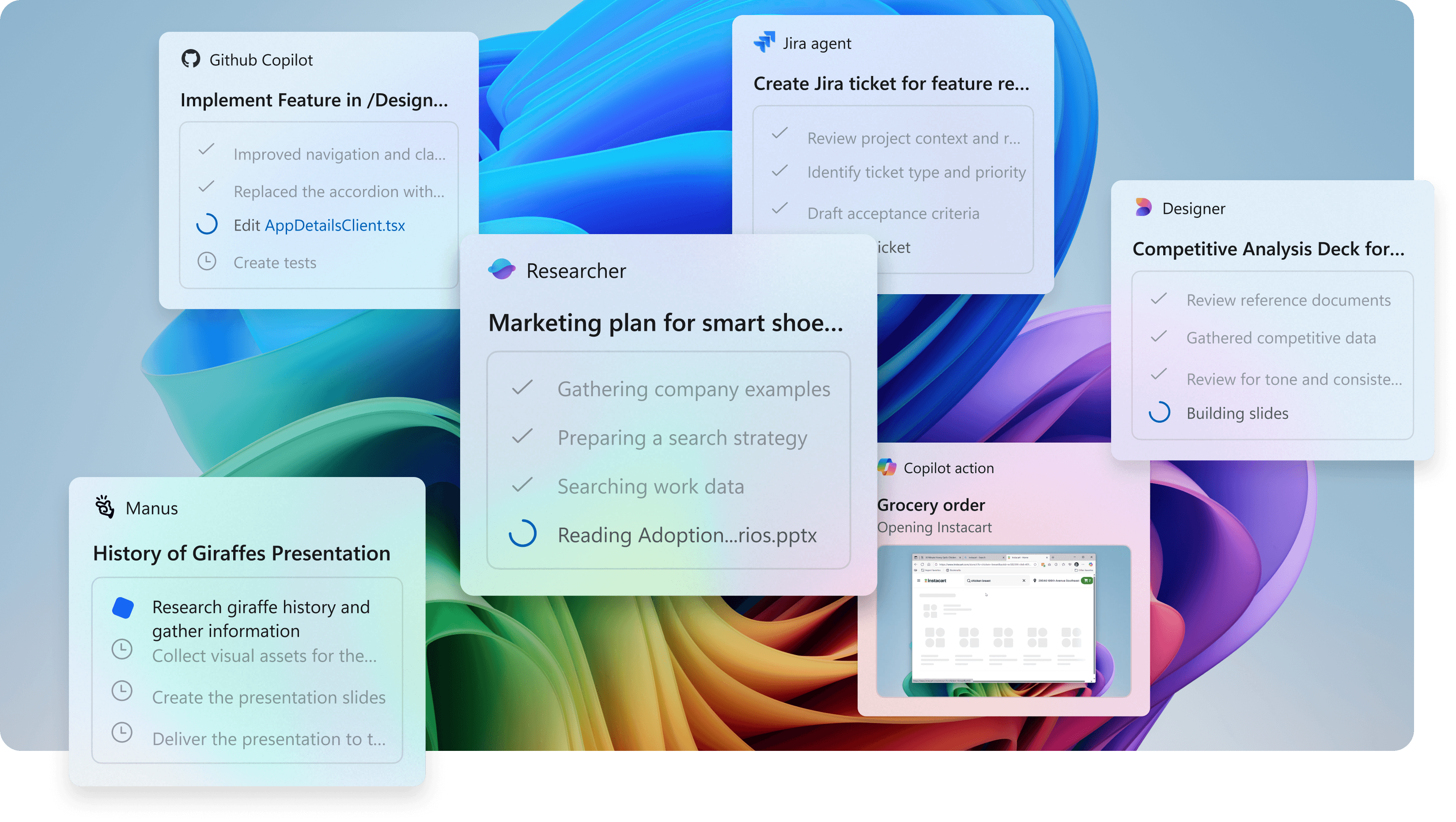
Ask Copilot is Windows Search plus Copilot. One place to type questions, run actions, launch anything. We built agents directly into it. Type @, pick an agent, send it work. Invoke it from the OS, not from inside some app; the agent keeps running after you close the chat.
Now the system has a clear shape. Ask Copilot is where you start agents; the taskbar is where they live while running. Agents aren't stuck inside individual apps anymore. They're creatures of the OS itself.
- @SELECT AGENT
- SENDDISPATCH WORK
- TASKBARMONITOR STATE
The micro-interactions that make it work
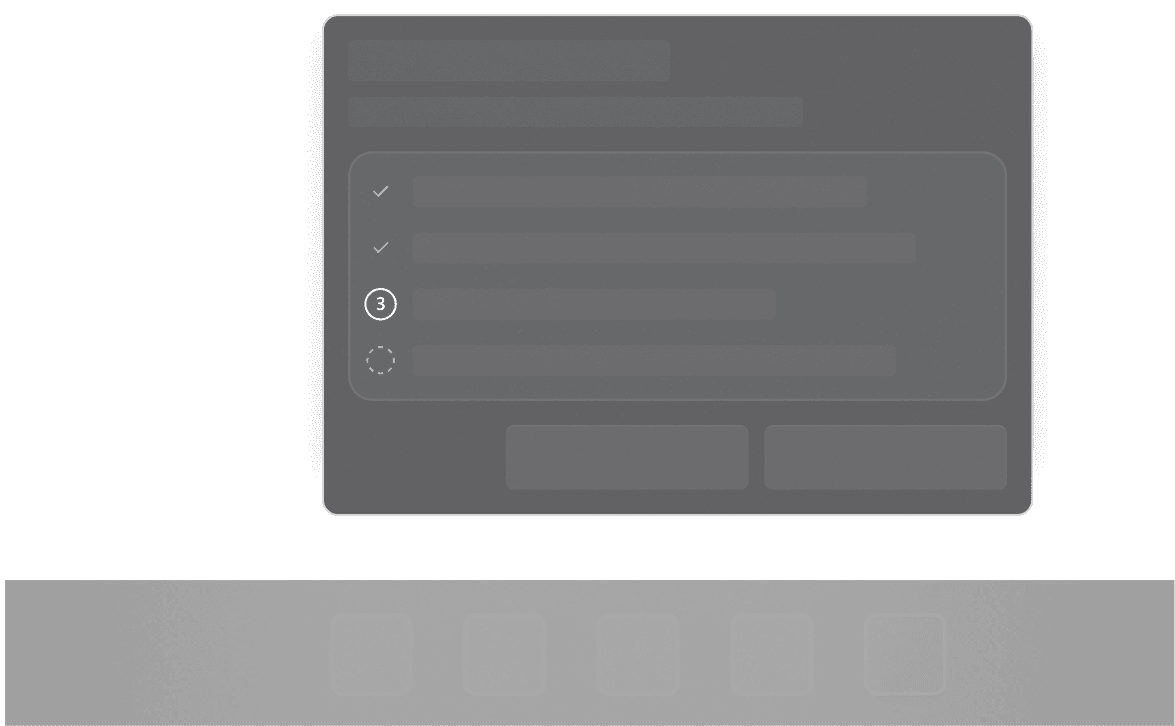
The real work was the tiny stuff. We prototyped these in the actual shell with engineering and product alongside design. Tested multiple agents running at once. Watched how the UI changed as an agent moved between states.
Each micro-interaction had to balance three things at once: what the system could actually do, what the agent data could tell us, and what people expected to happen. Move one thing wrong and the whole system feels less trustworthy.
 RUNNING
 NEEDS ATTENTION
 COMPLETED
 FAILED
 PAUSED
FIG. 7.1. Visual lexicon: five agent states across the taskbar surface.
Impact
From invisible to interruptible
Agents aren't hidden anymore. You see them running. You know what state they're in. You can come back to them whenever you want. No buried logs. No isolated app experiences. The work lives in familiar places.
And visibility builds trust. You watch automation work. You feel safer. You know you can stop it. Pause it. Fix it. Control matters. We didn't just make agents powerful. We made them understandable and stoppable so people actually feel comfortable letting them work.
This changes what Windows is. It's not just the app launcher anymore. It's the place where agents live. Where you invoke them. Where you watch them work. Windows becomes the coordination layer for all the intelligent work happening on your system.
Other teams are already building on these patterns. We created shared contracts for how agents show up, report progress, ask for help. Consistent. Predictable. This prevents a hundred teams from inventing a hundred different ways to surface agent status.
As agents become normal, people need to understand what's happening on their system. Developers need a clear way to wire agents into Windows. These foundations do that. They scale.